

In this page we will cover everything you need to install the mod. Every step is required unless stated otherwise.
Simply put, you need to Install this mod into the same folder as the game executable.
Install the ML-UE4SS Mod loader

1. Download the Mod Loader files
Let's start with downloading the Mod loader. You can get them here: ML-UE4SS - Files
 There is two variant available:
- MLUE4SS is the default variant meant for most users.
- MLUE4SS-zDev is a variant meant for Mod Authors or users interested in real-time debugging information.
This variant have additional performance impact on the game.
2. Open the downloaded file archive
After you have it downloaded, open the file archive. We recommend the built-in Windows file explorer or 7-zip

Here we have the dwmapi.dll file and ue4ss folder, we need these two files.
3. Move the files to the game binary executable folder
We need to move these two files into the same folder as the game binary executable.
-
Go to the game Installation folder.

Steam and Xbox both have a way to go to that location from their app, you can google them.
-
Go to the game binary executable folder.

Steam:
..\ManorLords\Binaries\Win64\Xbox:
..\ManorLords\Binaries\WinGDK\ -
Move the ML-UE4SS files to that folder.

Simply move the files to that folder.
4. Verify by opening the Console Window
The ML-UE4SS is now installed for the game.
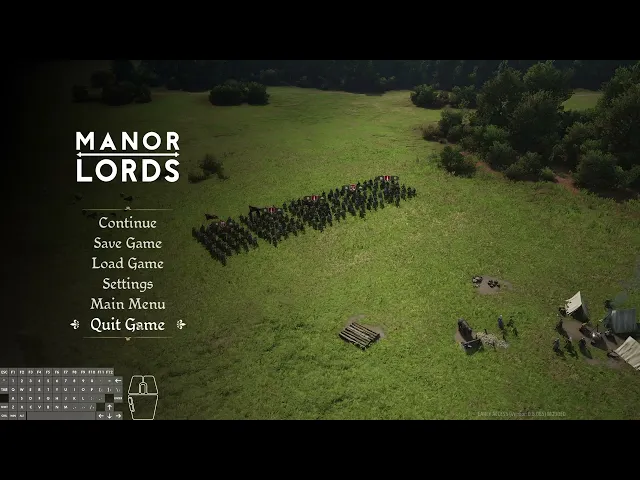
Let's verify that it works by starting the game and opening the console window in Main Menu.
The Console Window can be opened using any of the following keybind: Tilde ~, F8 F8, F10 F10.
You can cycle through hidden/minimal/extended state by pressing the said keybind again.
 Image: Console Window in extended state